
Standard browser features like right-click "Save As" often break. Images go missing, fonts don't load, and scripts fail because of absolute paths and complex dependencies. It's frustrating to try and open an offline copy only to see a broken layout.
🛠️ The Manual Way
The old manual method was saving only the HTML and then fixing CSS and image paths one by one. This is near-impossible for modern websites with hundreds of assets and deep dependency chains.
⚡ Smarter Way: 1-Click Export
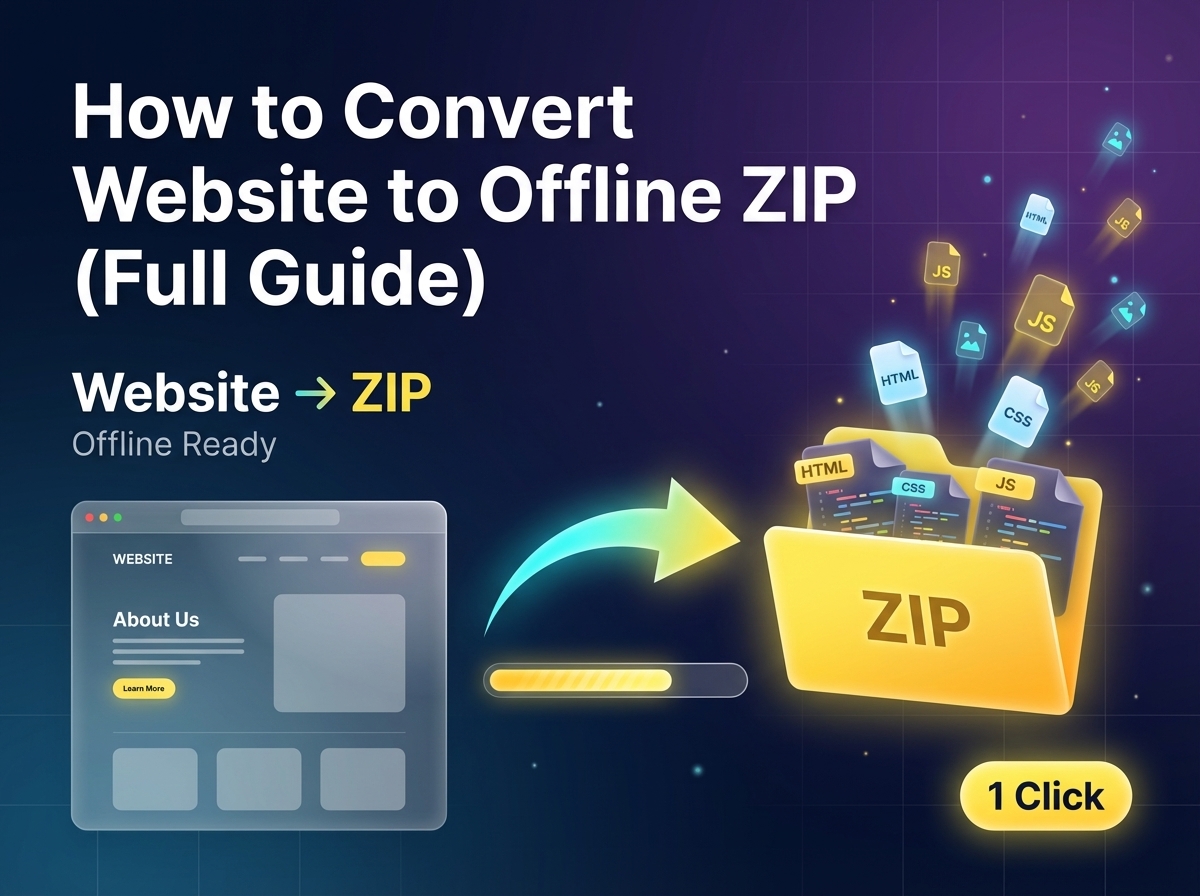
The most effective modern solution is using a professional exporter like ZipIt. Instead of just saving a file, it builds a full offline environment:
- Path Rewriting: Automatically converts absolute URL paths to local relative ones.
- Asset Bundling: Every script, font, and image is locally bundled into one folder.
- Offline-Ready: The final ZIP can be opened and run perfectly without any internet connection.
🚀 Smarter Workflow
- Capture: One-click to analyze the full website structure.
- Download: Grab a perfectly organized ZIP folder of every asset.
- Run Offline: Open the folder and launch the site instantly.
🚀 Integrated Pro Tools
Seamless Offline Access.
Stop fixing broken paths manually. Join thousands of developers using ZipIt to download full websites as offline-ready ZIP folders seamlessly.
❓ Frequently Asked Questions
Yes, by rewriting paths and bundling all assets, you ensure the layout and styles remain identical to the live version.
Absolutely. The clean HTML and organized assets provide an excellent foundation for rebuilding or migrating a design.
The download is a single ZIP file containing every resource needed to run the page offline - images, fonts, scripts, and CSS.