You come across a beautifully designed website and think: “I want this exact layout.” But then reality hits:
- DevTools shows messy HTML
- CSS is scattered and overwritten
- Rebuilding takes hours of trial and error
For non-coders and designers, it often feels impossible to reuse what you see.
🛠️ Method 1: Manual (Using DevTools)
The traditional way involves right-clicking and inspecting elements. You have to identify components like buttons, cards, or navigation bars and then manually copy the HTML and styles.
The Problem: The code is often messy, not reusable, and extremely hard to understand for anyone who isn't a senior developer.
⚡ Better Approach: Component Thinking
Instead of copying raw code, focus on the logic behind the design:
- Layout structure: Does it use Flexbox or Grid?
- Spacing system: What are the primary margins and paddings?
- Typography: What font weights and line heights create that look?
- Reusable patterns: Identify the recurring elements.
🚀 Smarter Workflow
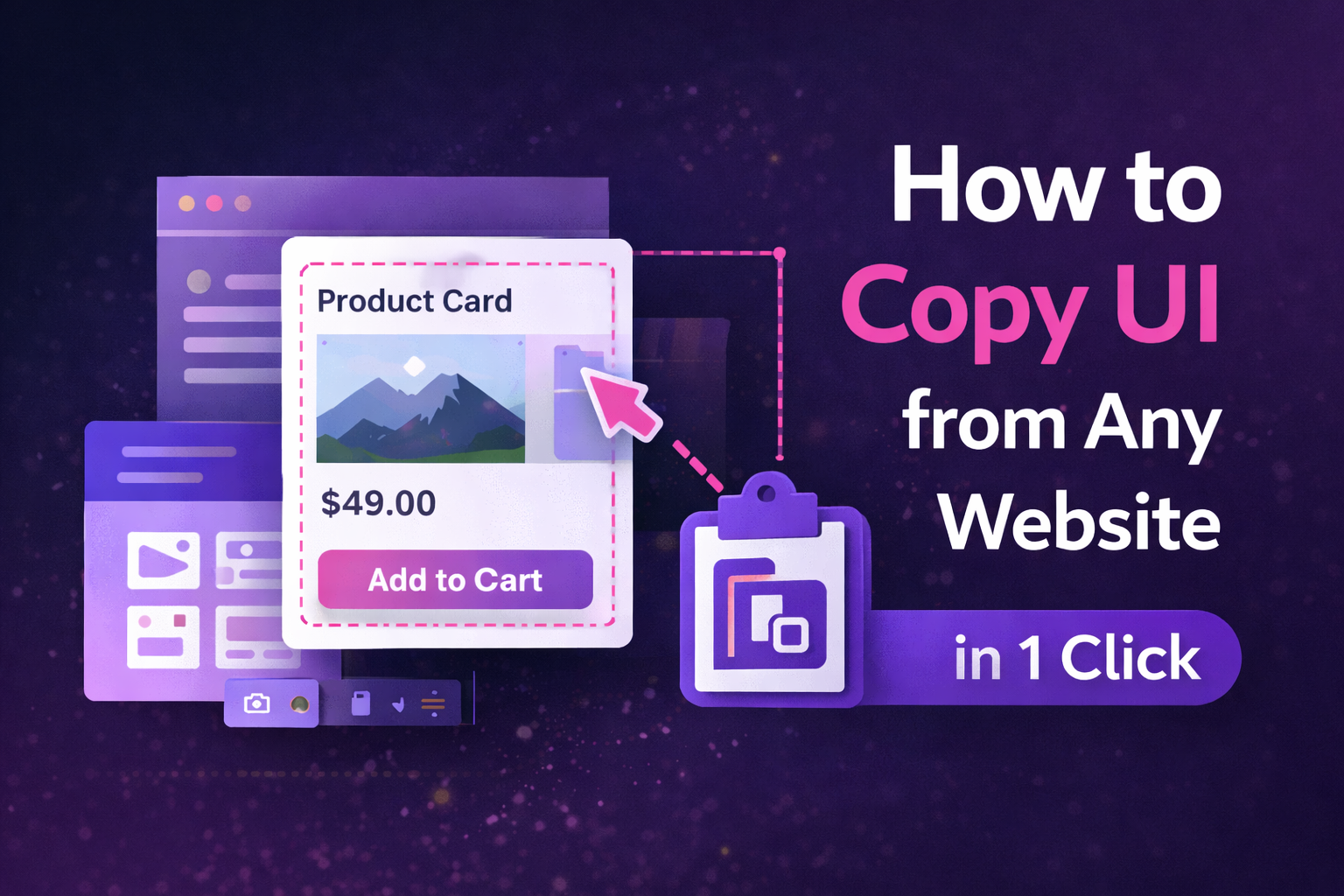
Modern extraction tools like ZipIt allow you to:
- Click any UI element visually
- Extract the component instantly
- Copy clean, production-ready HTML + CSS
- Reuse the design in your own project directly
🚀 Integrated Pro Tools
Stop rebuilding, start extracting.
Don't waste days trying to replicate a layout. Use ZipIt to extract components instantly and understand layout visually.
❓ Frequently Asked Questions
You can copy everything from a single button to an entire hero section or landing page layout.
No, professional extraction tools handle the complex code logic for you, giving you clean output that you can paste anywhere.
Yes, ZipIt preserves the structural logic so the extracted UI maintains its layout behavior across screen sizes.