
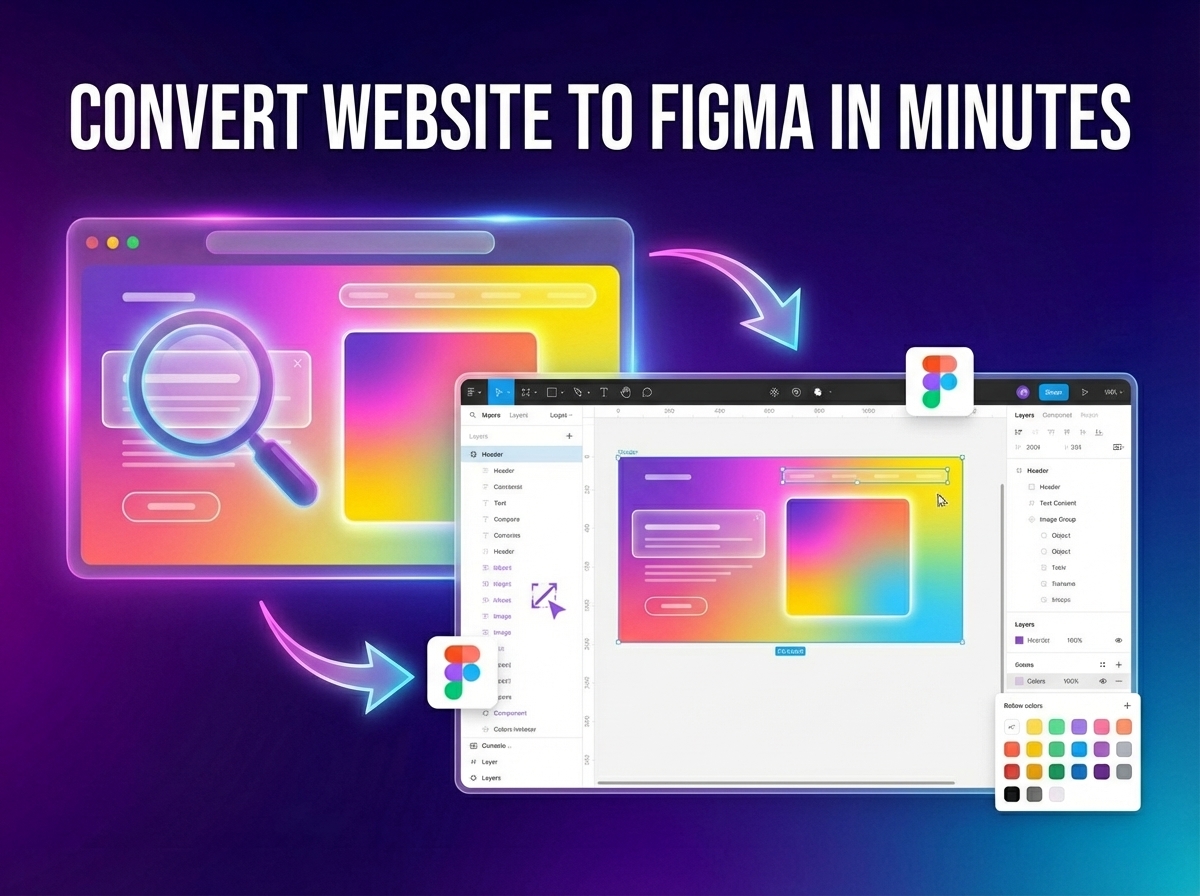
Designers often want to edit or audit real websites in Figma, but they run into the same hurdles:
- Screenshots lose structure and can't be easily edited
- Rebuilding manually takes hours or even days
- Matching exact spacing and typography is tedious
🛠️ The Outdated Way
The old manual method involved taking high-res screenshots, importing them to Figma, drawing frames over them, adding text, and guessing spacing.
The Problem: It's slow and not scalable for modern design systems.
⚡ Smarter Workflow with ZipIt
Instead of rebuilding, extract the actual structure of the website. Professional workflows now follow three simple steps:
- Capture: Grab the layout structure of any live website.
- Convert: Transform HTML/CSS into structured Figma layers.
- Edit: Open in Figma and modify everything instantly.
💡 Why This Matters
- Saves Hours: Replicate complex layouts in seconds.
- High Accuracy: Matches the exact typography and spacing colors.
- Design Systems: Instantly create editable design components.
🚀 Integrated Pro Tools
Designers' Superpower.
Use ZipIt to convert any website into Figma-ready layers instantly and edit components without rebuilding.
❓ Frequently Asked Questions
Yes, professional tools structure the output into logical groups and frames that match the DOM structure.
Extraction tools identify the font families used, making it easy for you to activate the correct fonts in Figma.
The structured layout can be imported directly into Figma using specialized plugins or as SVG-ready layers.