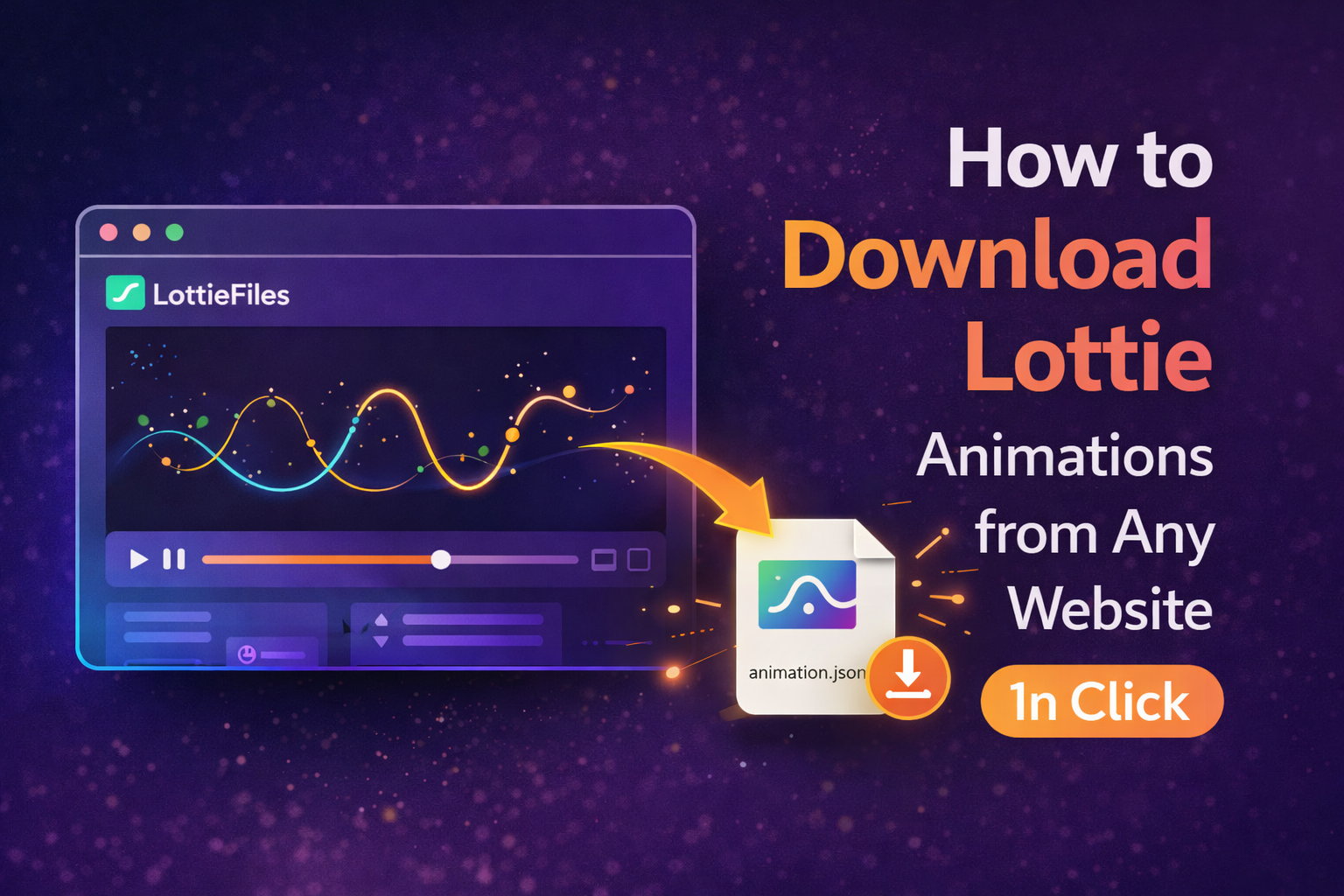
Lottie animations are powerful for modern UI, but they are often hidden inside network responses, JavaScript files, or even external APIs. Finding and extracting the original JSON file manually is frustrating.
🛠️ The Manual Way
- Open DevTools: Right-click → Inspect.
- Network Tab: Go to the Network panel.
- Filter: Filter results by type or keyword 'JSON' or 'lottie'.
- Reload: Reload the page to capture the files.
The Problem: It's time-consuming to identify which file is the right one, and some animations are embedded directly in the scripts.
⚡ Smarter Way: Visual Detection
Professional extraction utilities like ZipIt detect animations automatically. They scan the page and pinpoint exactly where a Lottie animation is playing.
🚀 Smarter Workflow
- Scan: Let ZipIt analyze the page's assets.
- Identify: See a clear list of all detected animations.
- Download: Grab the JSON file in one click.
🚀 Integrated Pro Tools
Effortless Animation Control.
Stop digging through code for JSON files. Join thousands of developers using ZipIt to detect and download Lottie animations from any website effortlessy.
❓ Frequently Asked Questions
Lottie animations are typically JSON files that contain all the vector animation data from After Effects.
Yes, ZipIt's visual picker lets you see which element on the page corresponds to which file in your asset list.
Yes, any animation using the Bodymovin player or Lottie web player as its engine can be identified and extracted.