
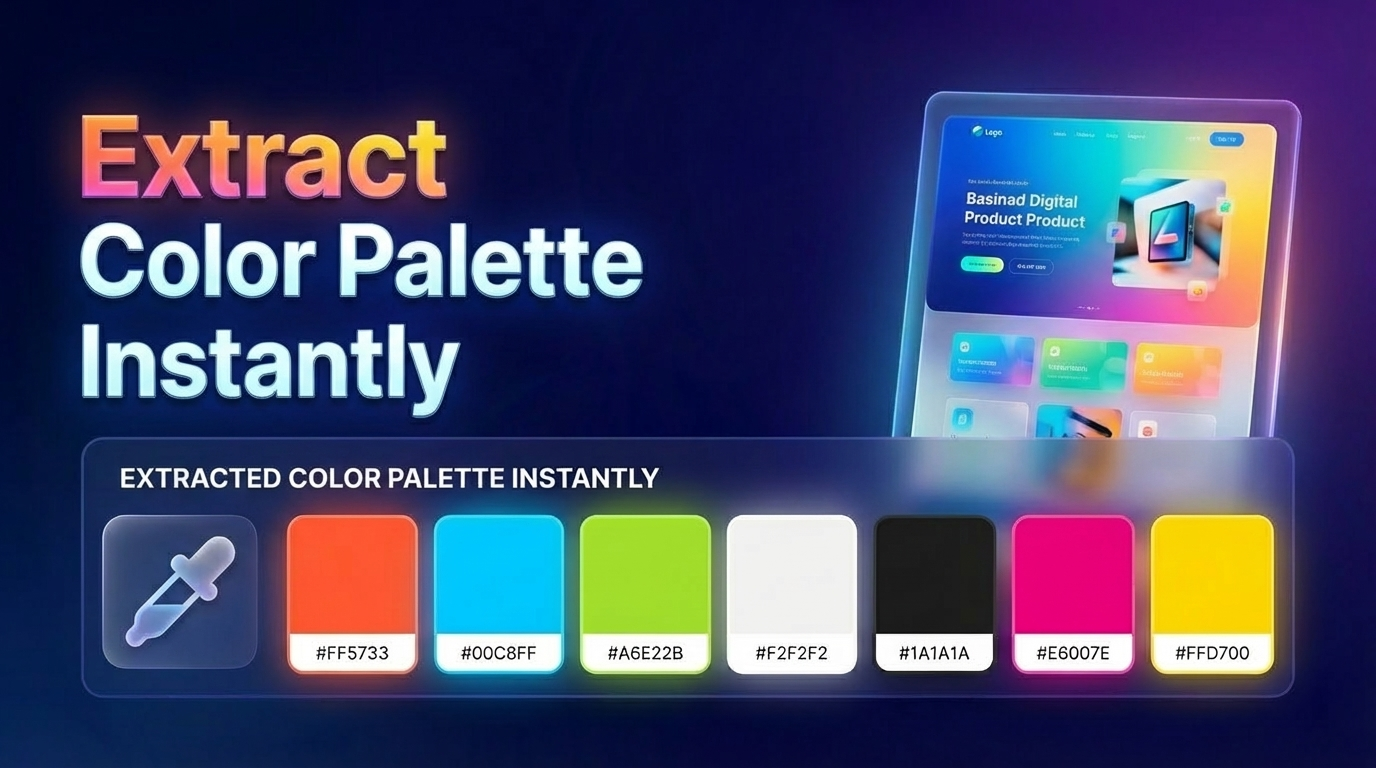
You like a website’s color scheme, but picking colors manually is slow and error-prone. You might miss hidden shades or get a slightly incorrect value from a screen picker.
🛠️ The Manual Way
The old manual method was using a simple color picker browser extension or inspecting the CSS in DevTools. You'd have to find every single color used, which often misses gradients, background variations, and subtle border shades.
⚡ Smarter Way: Visual Scan
Modern design tools, like ZipIt, allow you to extract the full design system at once:
- Primary Colors: Identify the main branding colors of any site.
- Secondary Colors: Get the accent colors and support shades.
- Background Shades: Capture the exact colors of light/dark themes.
- Gradients: Extract linear and radial gradient CSS directly.
🚀 Smarter Workflow
- Scan: Let ZipIt analyze the entire website's stylesheet.
- Capture: Identify all colors used in the UI.
- Export: Get a complete palette for your design system effortlessly.
🚀 Integrated Pro Tools
Stop Guessing Colors.
Instead of manual picking, join thousands of developers using ZipIt to extract full palettes instantly, including gradients and background shades.
❓ Frequently Asked Questions
Yes, professional tools detect linear and radial gradients used in buttons, backgrounds, and text.
Advanced extraction tools can identify different state-based colors for buttons and links, giving you the full picture.
Colors are typically available in HEX, RGB, or HSL formats, ready to be dropped into Figma or your CSS variables.