Have you ever found a beautiful component and thought "I need the exact CSS for this"? But manually digging through thousands of lines in the browser's inspector is slow, frustrating, and often leaves you with broken code.
🛠️ The Manual Way
- Right-click: Select 'Inspect' on the element you want.
- Styles Panel: Scroll through hundreds of computed styles.
- Manual Copy: Copy properties one by one, avoiding those crossed out.
- Debugging: Fix all the absolute paths for fonts and images that break.
The Problem: It's slow and manually copying CSS is the #1 cause of broken layouts.
⚡ Smarter Way: Visual CSS Extraction
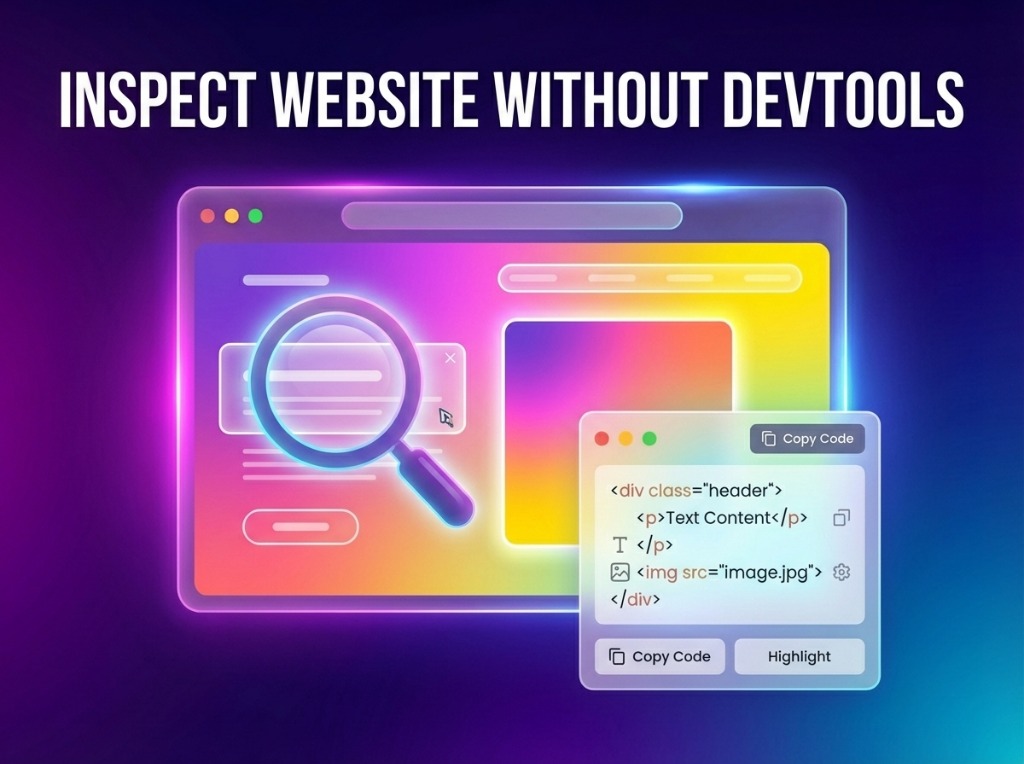
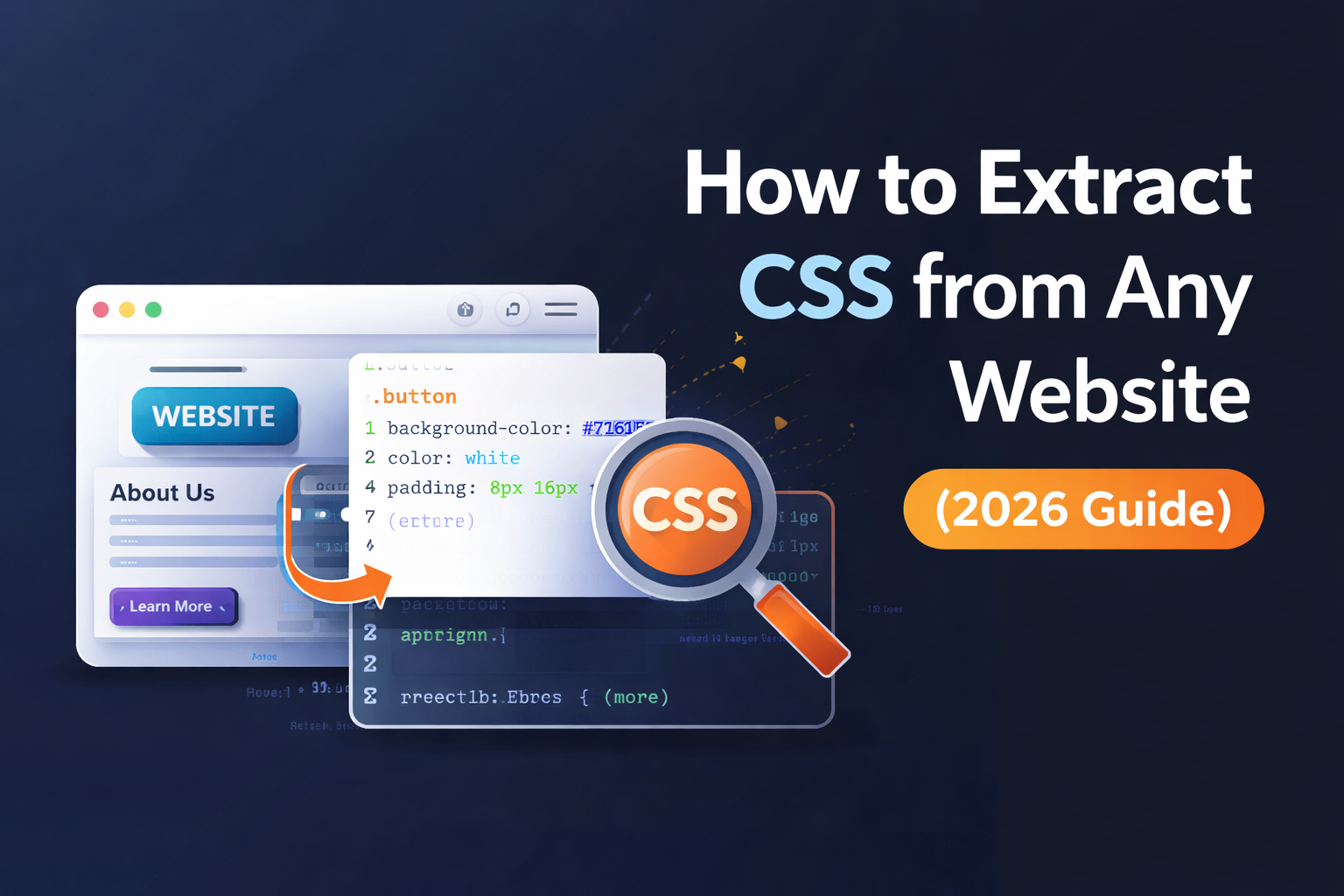
The most effective modern solution is using a Visual CSS Extractor. Instead of digging through code, you select what you want visually. Professional utilities like ZipIt capture every property perfectly.
🚀 Smarter Workflow
- Select: One-click on any element to highlight its full structure.
- Extract: Get a perfectly scoped block of CSS - no junk, no overrides.
- Apply: Paste the clean code into your project instantly.
🚀 Integrated Pro Tools
Stop Hunting, Start Capturing.
Don't waste another hour manually copying CSS properties one-by-one. Join thousands of high-speed developers using ZipIt to extract clean, production-ready CSS from any website in seconds effortlessly.
❓ Frequently Asked Questions
Yes, professional extraction tools scope the CSS so it doesn't conflict with your existing styles.
Absolutely. Modern visual extractors capture keyframes, cubic-bezier values, and transition delays correctly.
Copying CSS for educational purposes or to understand architecture is standard. For commercial use, ensure you aren't infringing on proprietary design tokens or branded UI signatures.