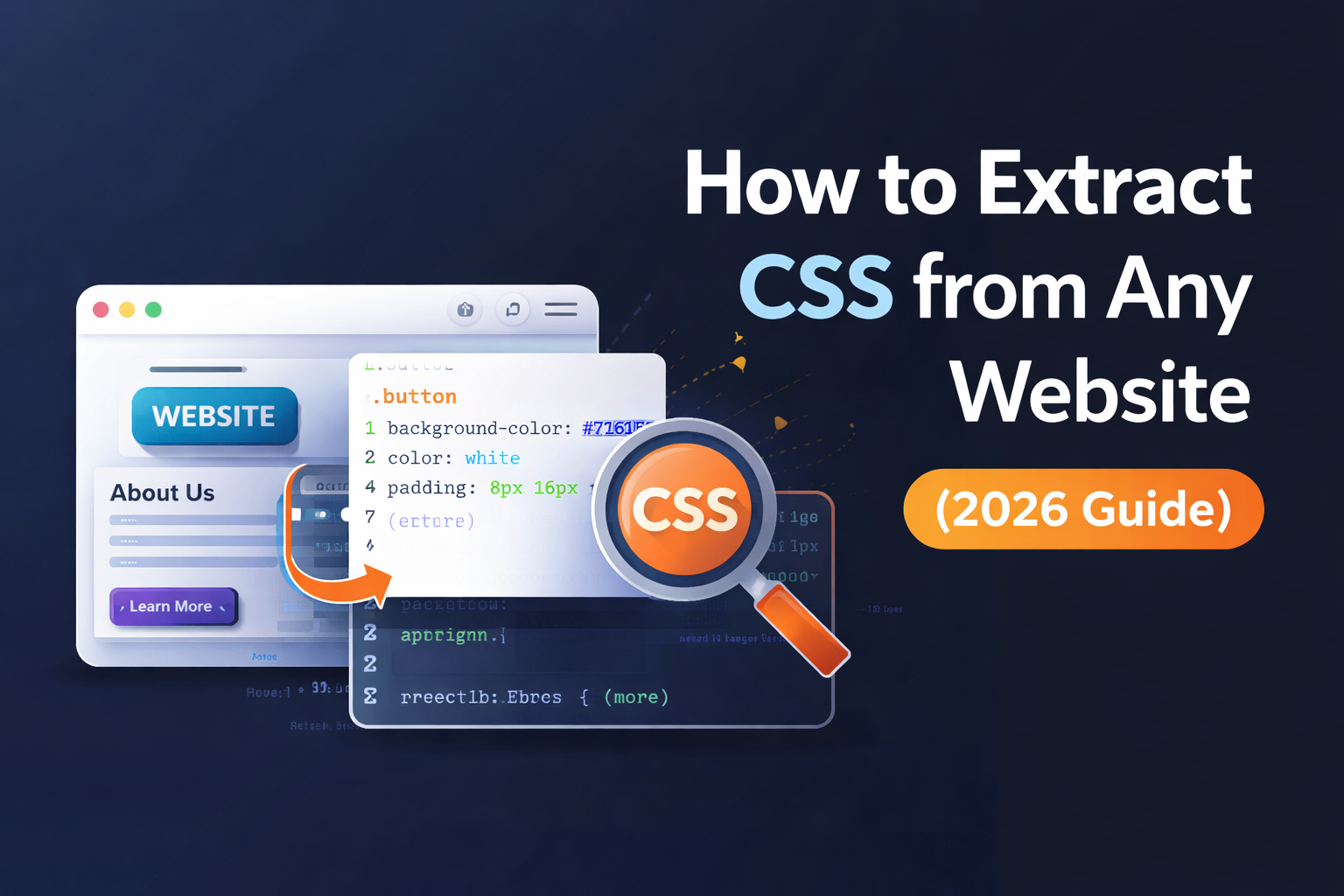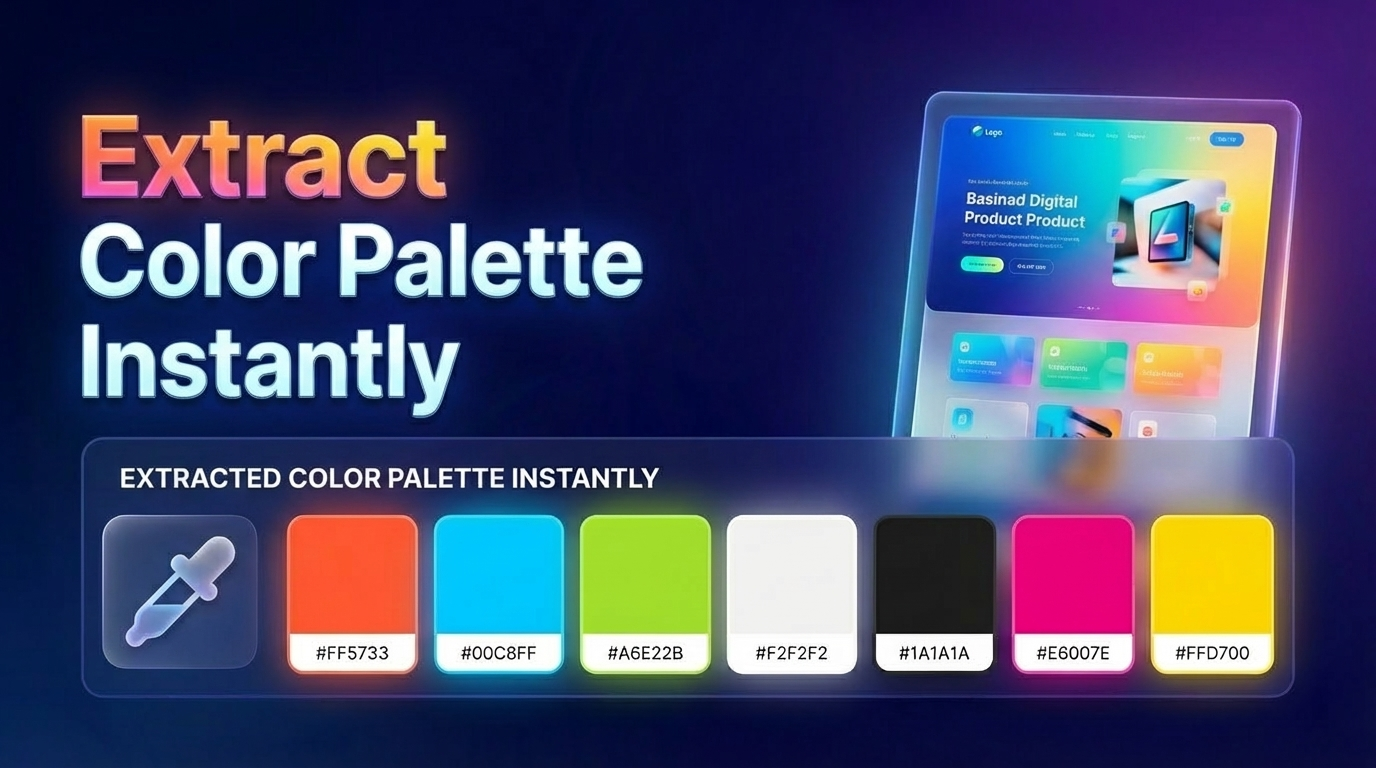
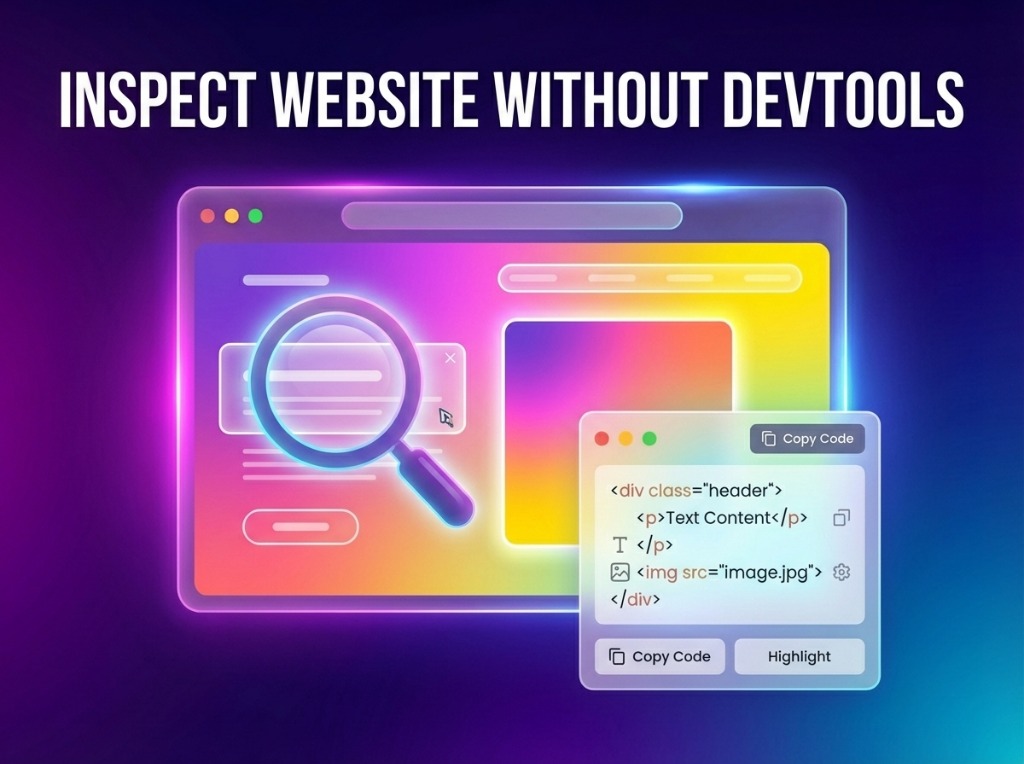
Browser DevTools are powerful but can be overwhelming and messy. Digging through thousands of lines of computed styles and deeply nested DOM elements just to find a single CSS property is slow and distracting.
🛠️ The Manual Way
The old manual method involved right-clicking, selecting 'Inspect,' and then trying to decipher the complex 'Computed' tab in your browser's inspector.
The Problem: You have to toggle styles on and off to see what's actually active, and copying the full component code is nearly impossible without picking up extra junk.
⚡ Smarter Way: Visual Inspection
Visual pickers like ZipIt allow you to hover and see the structure and styles of any element without ever opening a side panel. It's built for design-speed:
- Hover & Reveal: See typography, spacing, and colors instantly on hover.
- Clean Code: Extract only the active styles, with no browser defaults or junk.
- Deep Structure: Choose between inspecting a single element or its entire parent container.
🚀 Smarter Workflow
- Select: Use the visual picker to highlight the UI you want to understand.
- Extract: Get clean HTML and scoped CSS in 1 click.
- Apply: Drop the code into your project instantly and start building.
🚀 Integrated Pro Tools
Focus on the Design.
Stop fighting with the Network tab and Computed styles. Join thousands of creators using ZipIt to inspect and extract code visually 10x faster.
❓ Frequently Asked Questions
Yes, extraction tools like ZipIt work on the final rendered DOM, making it consistent regardless of the framework used to build it.
Absolutely. Visual tools show you the exact paddings, margins, and font properties in a clean, readable overlay.
ZipIt filters out all browser-default and redundant styles, giving you exactly what creates the final visual look.